BroinwooD
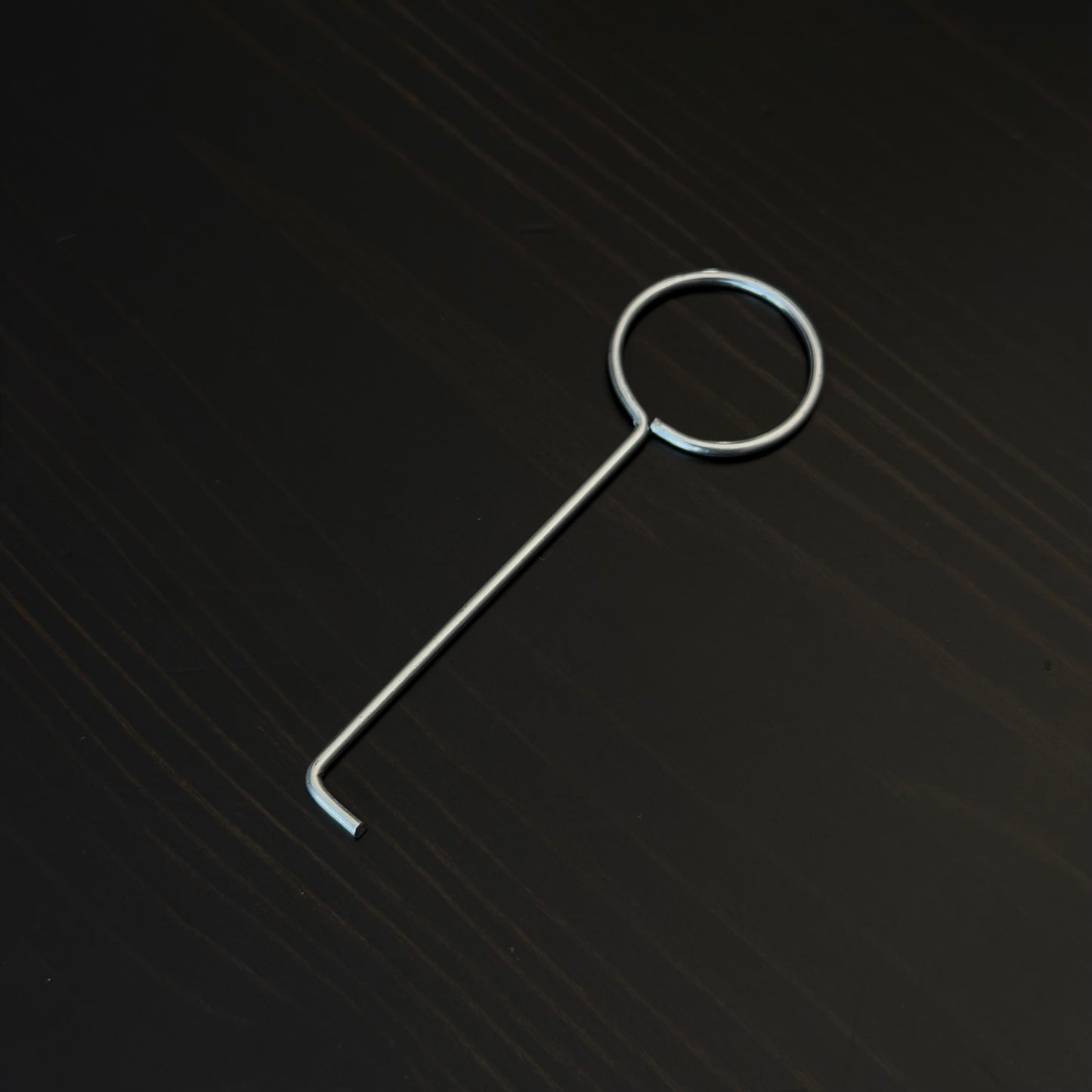
Split Expansion Anchor Removal Tool
Split Expansion Anchor Removal Tool
Couldn't load pickup availability
The Split Expansion Anchor Removal Tool is designed specifically for releasing and removing Split Expansion Anchors from the Broinwood CNC Spoilboard System.
The angled tip is used to release the anchor from the wall of the MDF pocket and then engage the extraction slot at the bottom of the anchor for removal.
How to Use
Before removing a Split Expansion Anchor, completely unscrew and remove the Threaded Insert.
- Insert the angled tip of the Removal Tool into one of the two small holes on the top of the Split Expansion Anchor.
- Gently move the tool toward the center of the anchor. This pulls one half slightly away from the MDF pocket wall and releases the textured surface from the MDF.
- Once the anchor half is released, insert the angled tip through the center opening of the anchor.
- Engage the extraction slot located at the bottom of the Split Expansion Anchor.
- Pull upward to remove the anchor from the pocket.
If necessary, repeat the release step on the other half before pulling the anchor out.
Important
Always completely remove the Threaded Insert before attempting to remove the Split Expansion Anchor.
The Removal Tool is intended to release and extract the anchor only after the expansion pressure has been removed.
Do not attempt to pull the anchor out while the Threaded Insert is still installed and tightened.
Share